
Bloxkeep user guide
Short pages, one per topic. Read the first three to get going; open the others when you need them.
Note
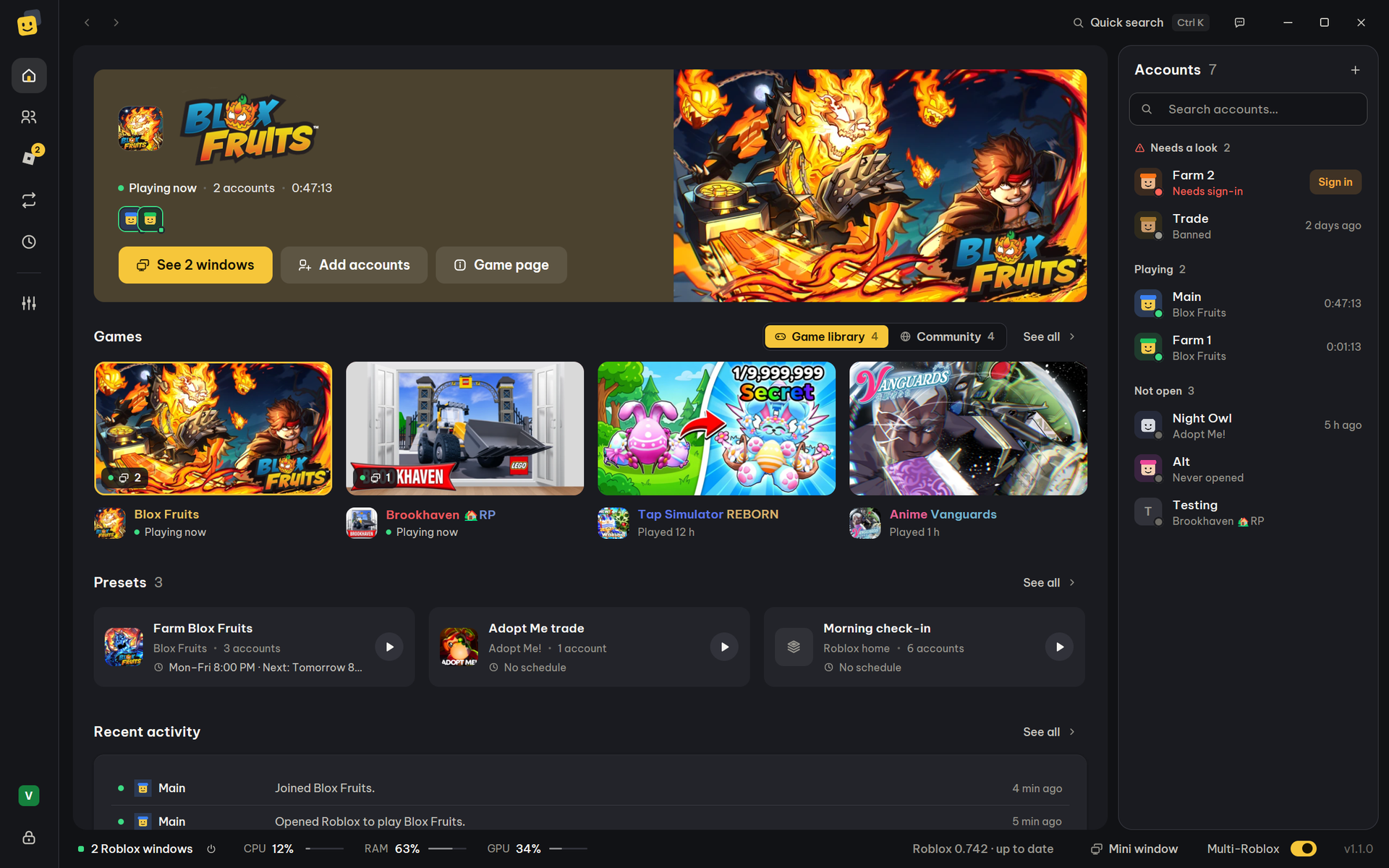
This guide is for Bloxkeep 1.1, which was redrawn from scratch. The pages are down the left (Home, Accounts, Roblox, Automation, Statistics, Settings), and the bar along the bottom shows your Roblox windows, the PC's load, Mini window and the Multi-Roblox switch.
Start here
Tip
Playing on several accounts at once? Run multiple accounts shows the whole way, with Multi-Roblox turned on first. Press Ctrl+K in the app to find any action or setting by name.
Topics
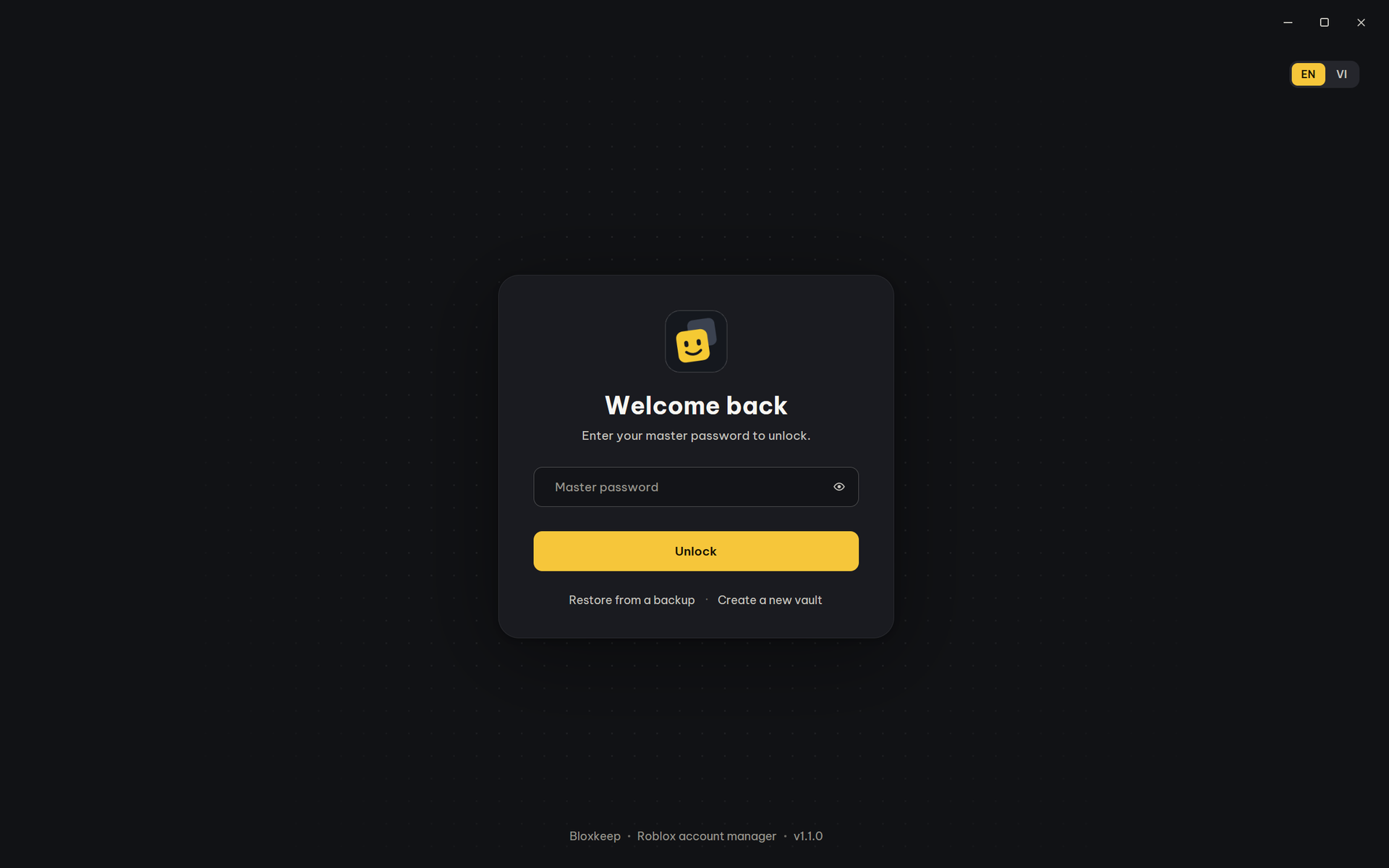 Getting started Install, master password, locking, updates. |
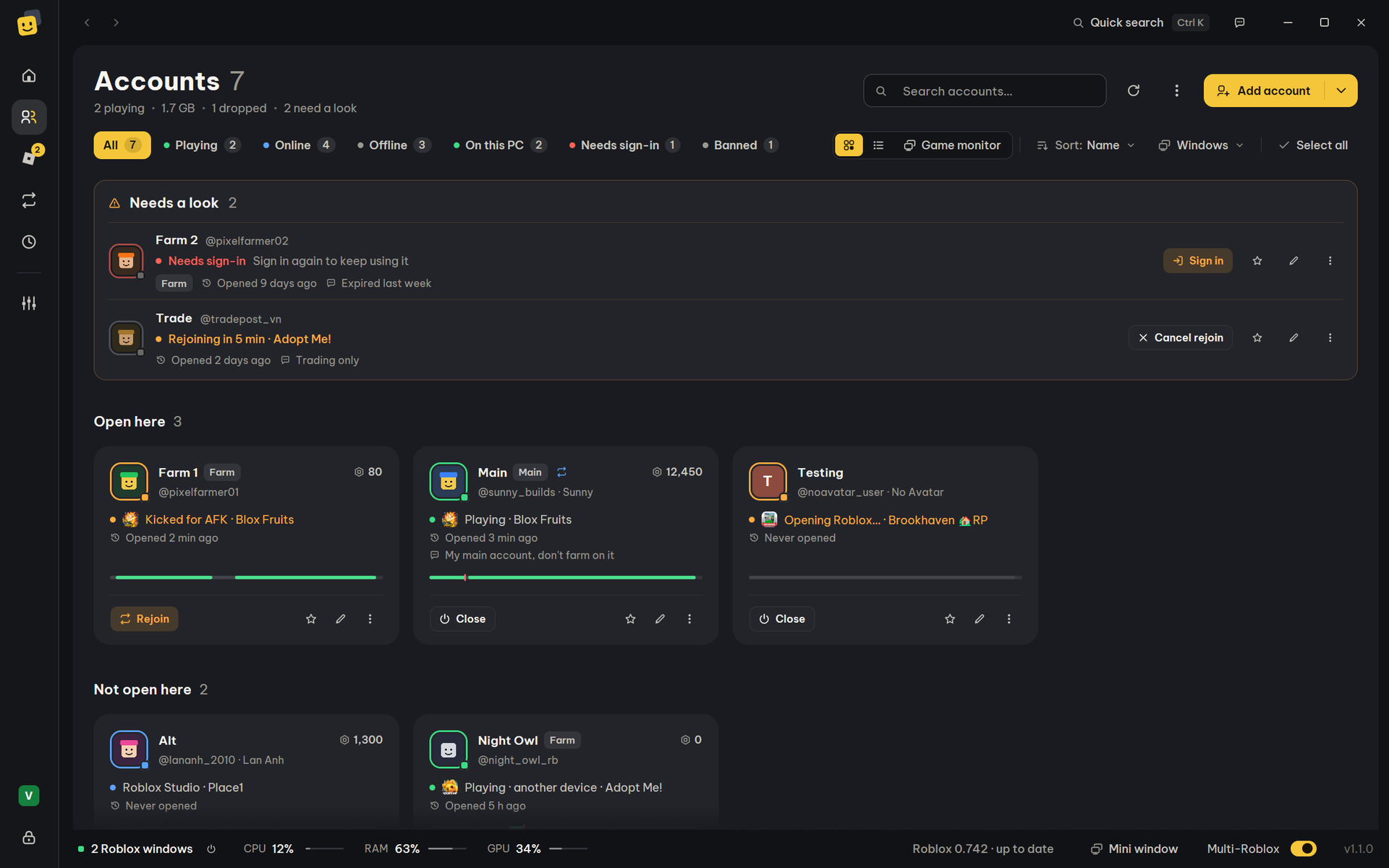
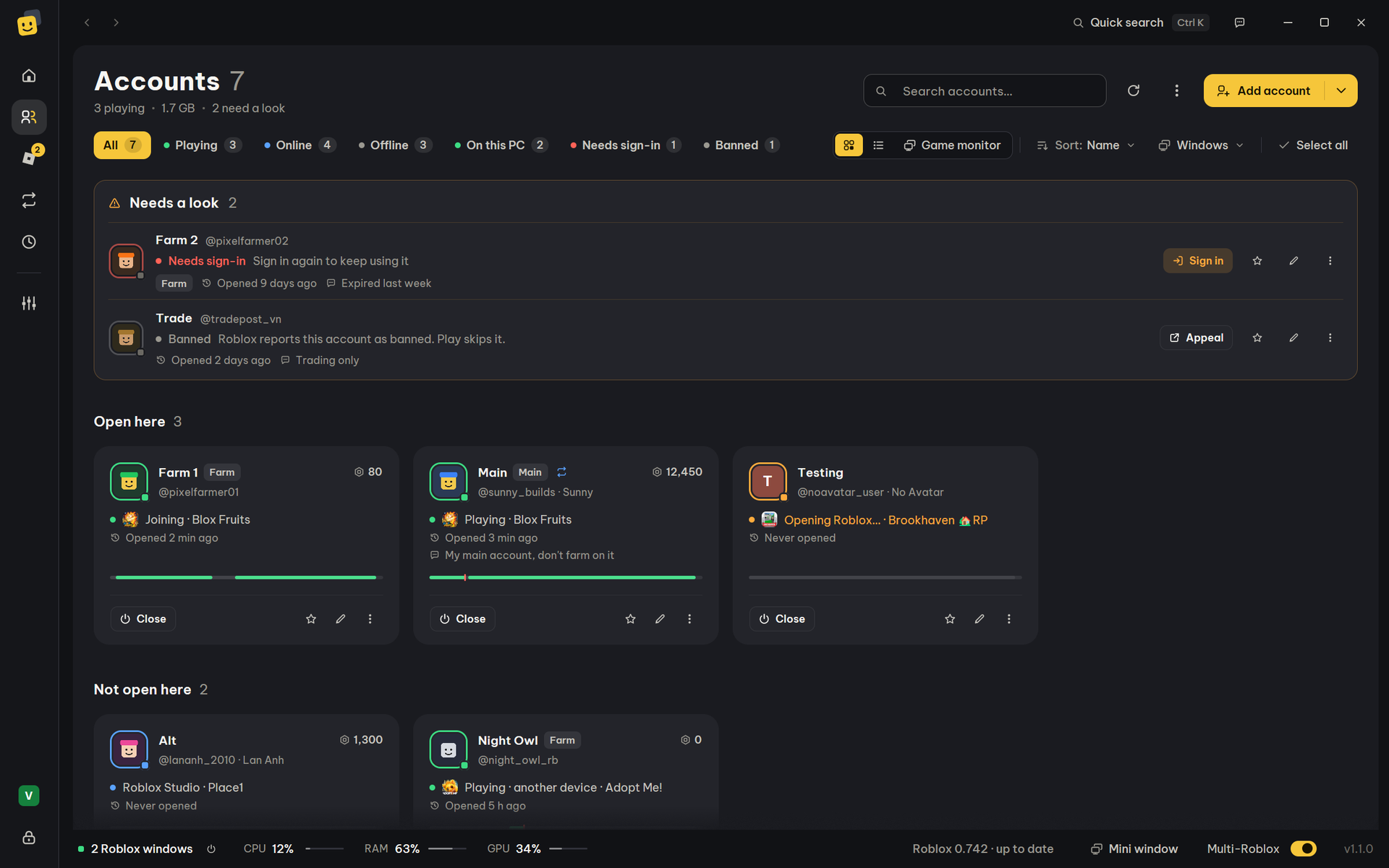 Accounts Adding accounts, statuses, the ⋯ menu, saved passwords and 2FA codes. |
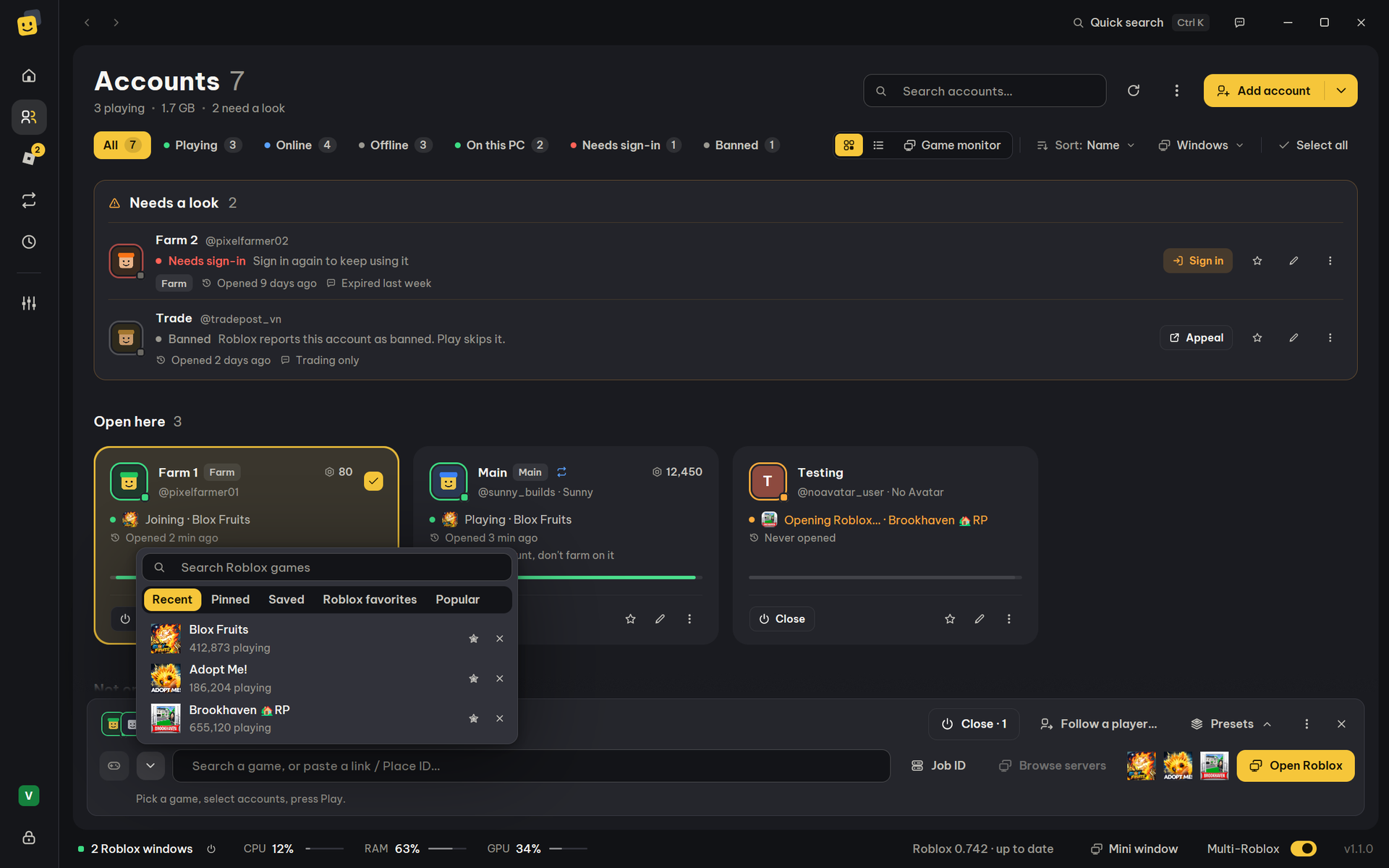 Playing Games, servers, private servers, following a player, the Roblox tab. |
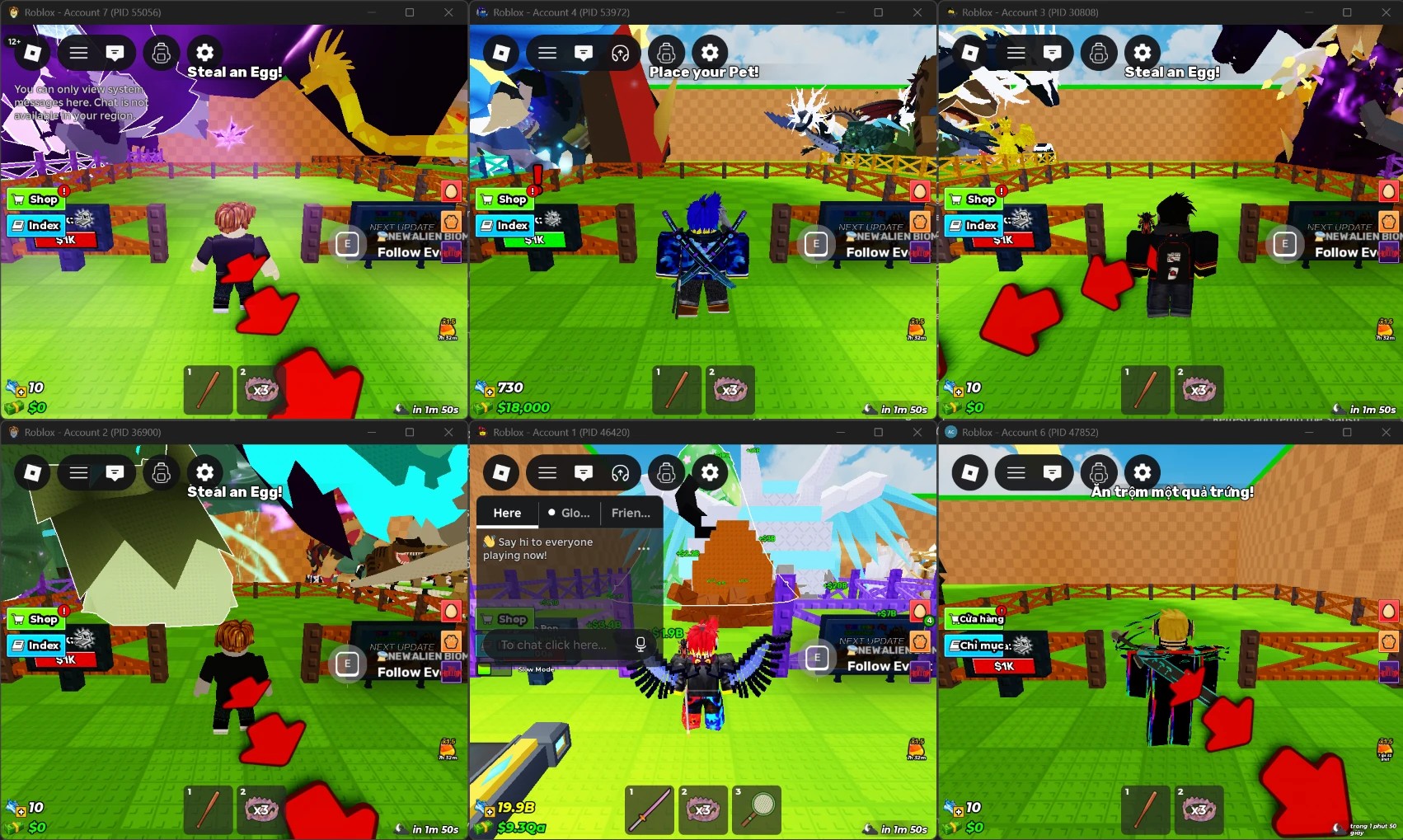 Multi-Roblox Several Roblox windows at once, the light, Roblox updates, Microsoft Store Roblox. |
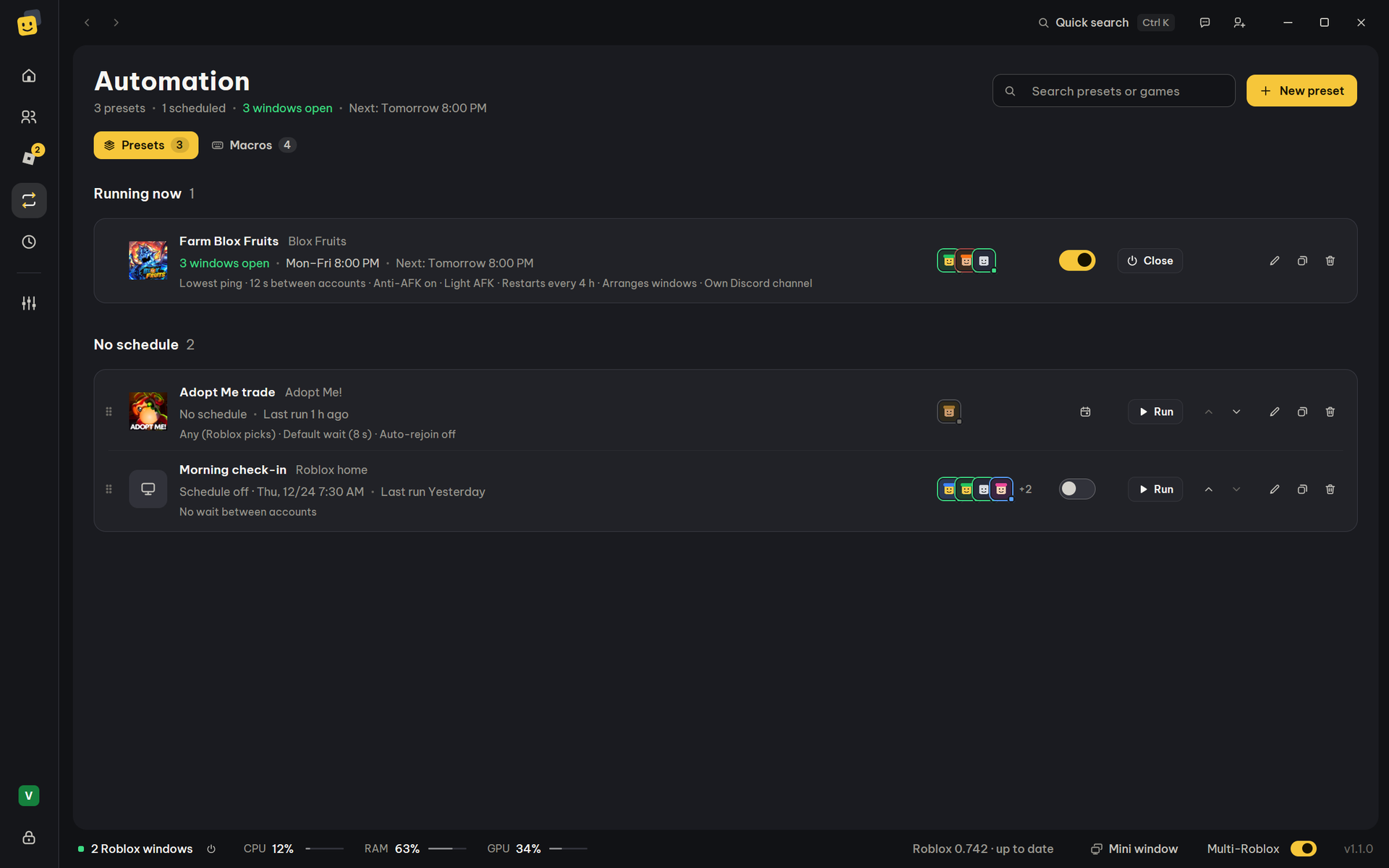 Presets and schedules Saved accounts and game, opened with one click or on a schedule. |
 Staying in game Auto-rejoin, Anti-AFK, the daily sign-in check, RAM. |
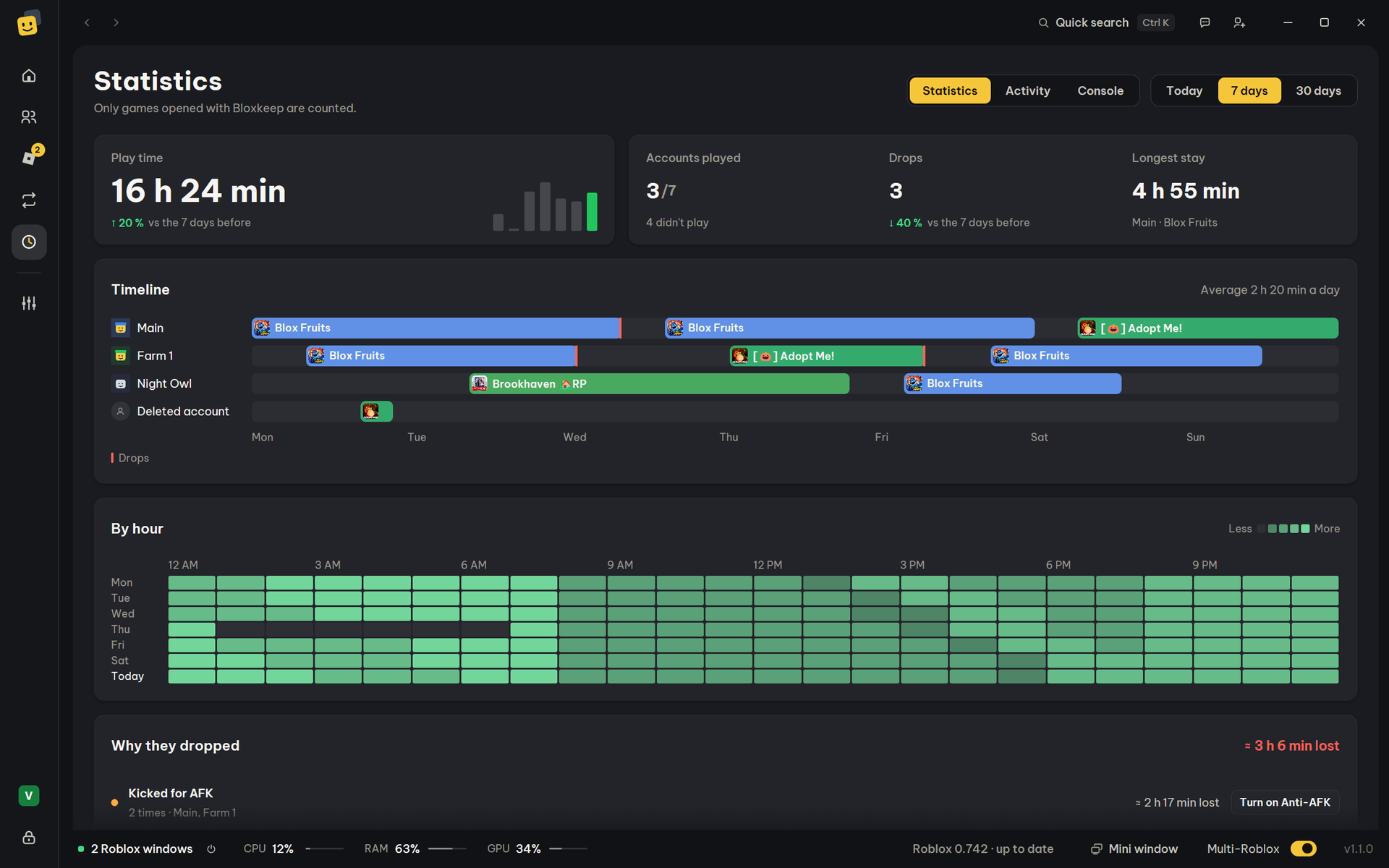 Windows and statistics Game monitor, mini window, arranging windows, play time. |
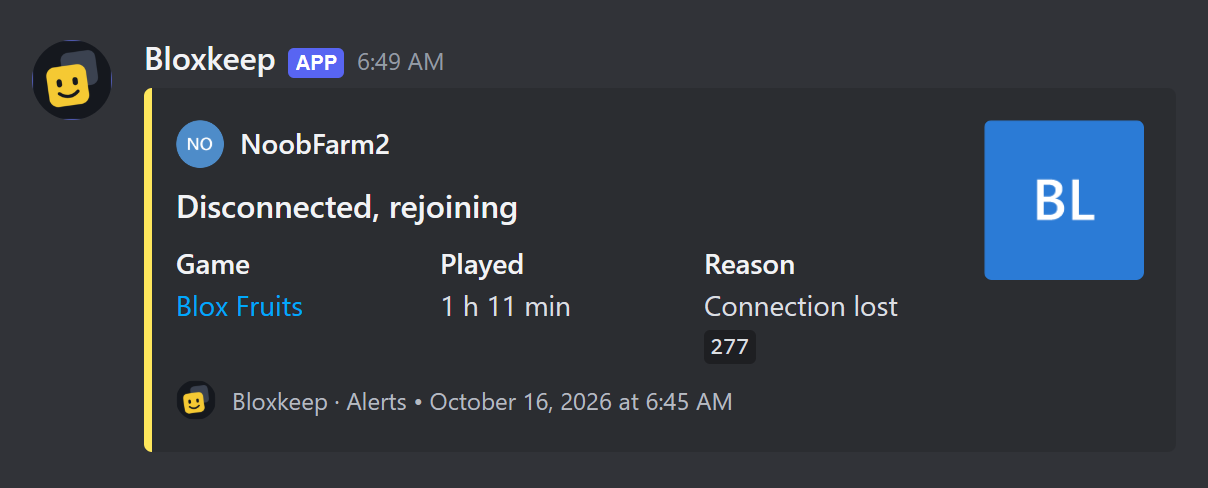 Discord Alerts, a live status board and play-time summaries in your channel. |
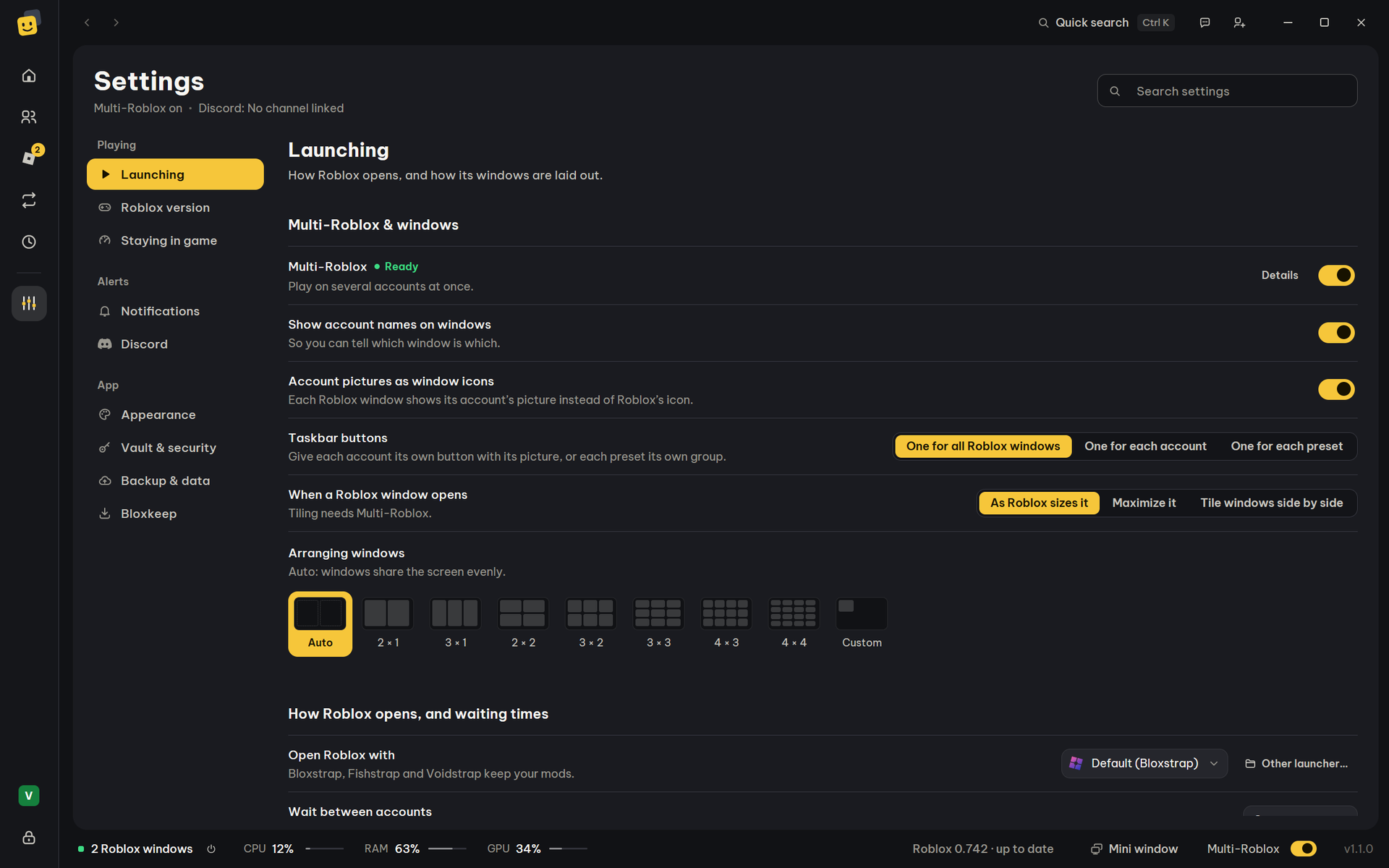 Settings Every settings page in one table each. |
| Macros (Beta) Key presses and clicks played in your windows, with a small panel beside the game. |
||
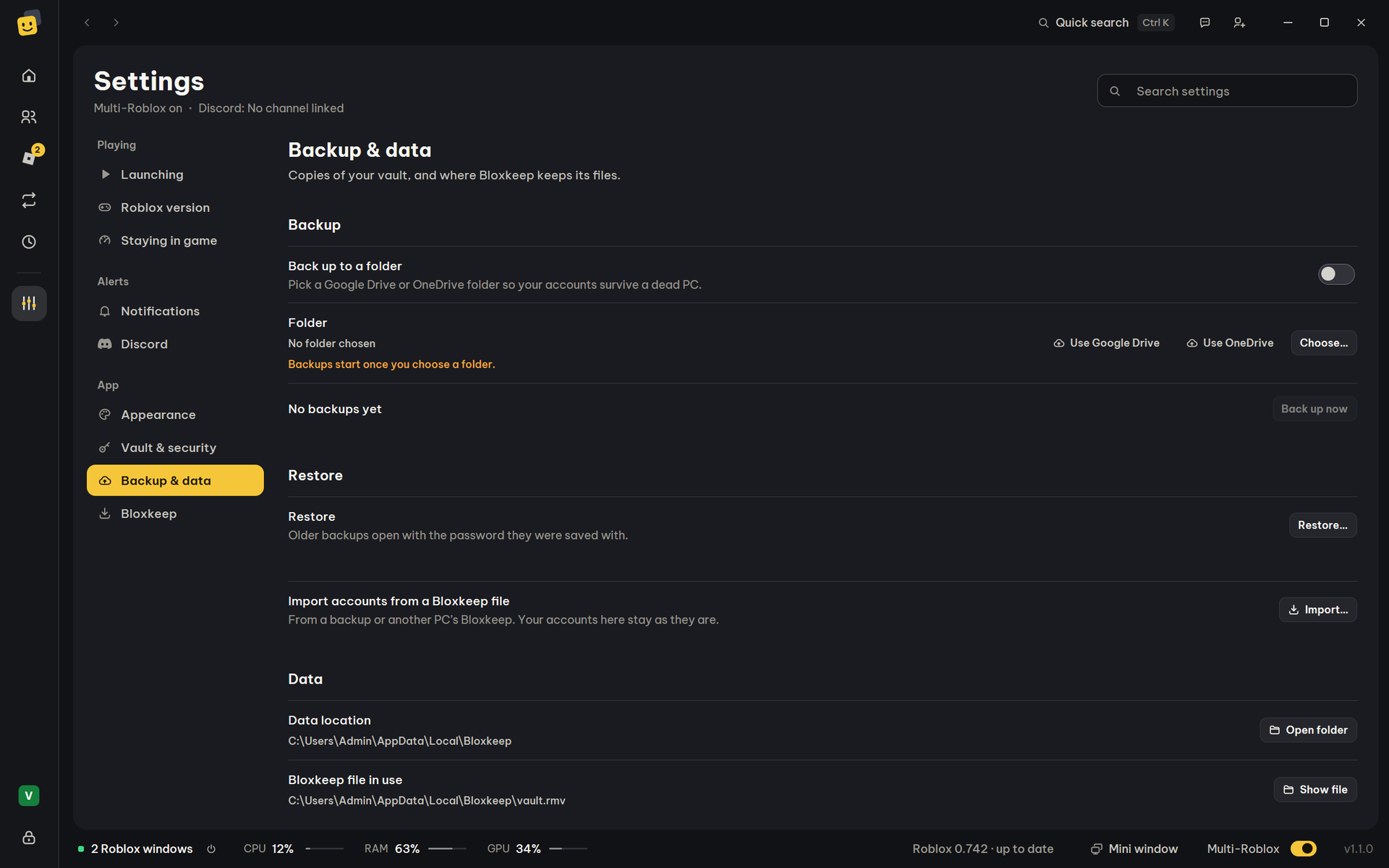 Backup and security Backups, moving to a new PC, what stays on your PC. |
Troubleshooting Windows closing each other, accounts that need to sign in again, error 403, keyboard shortcuts. |
Still stuck? In the app: Settings › Bloxkeep › Send feedback. Or open an issue. |